A Steam account with years of purchases, a Fortnite locker full of skins or a PlayStation account full of digital games can be worth hundreds of euros. That is why criminals target them. The good news: a few settings and some healthy suspicion stop most attacks.
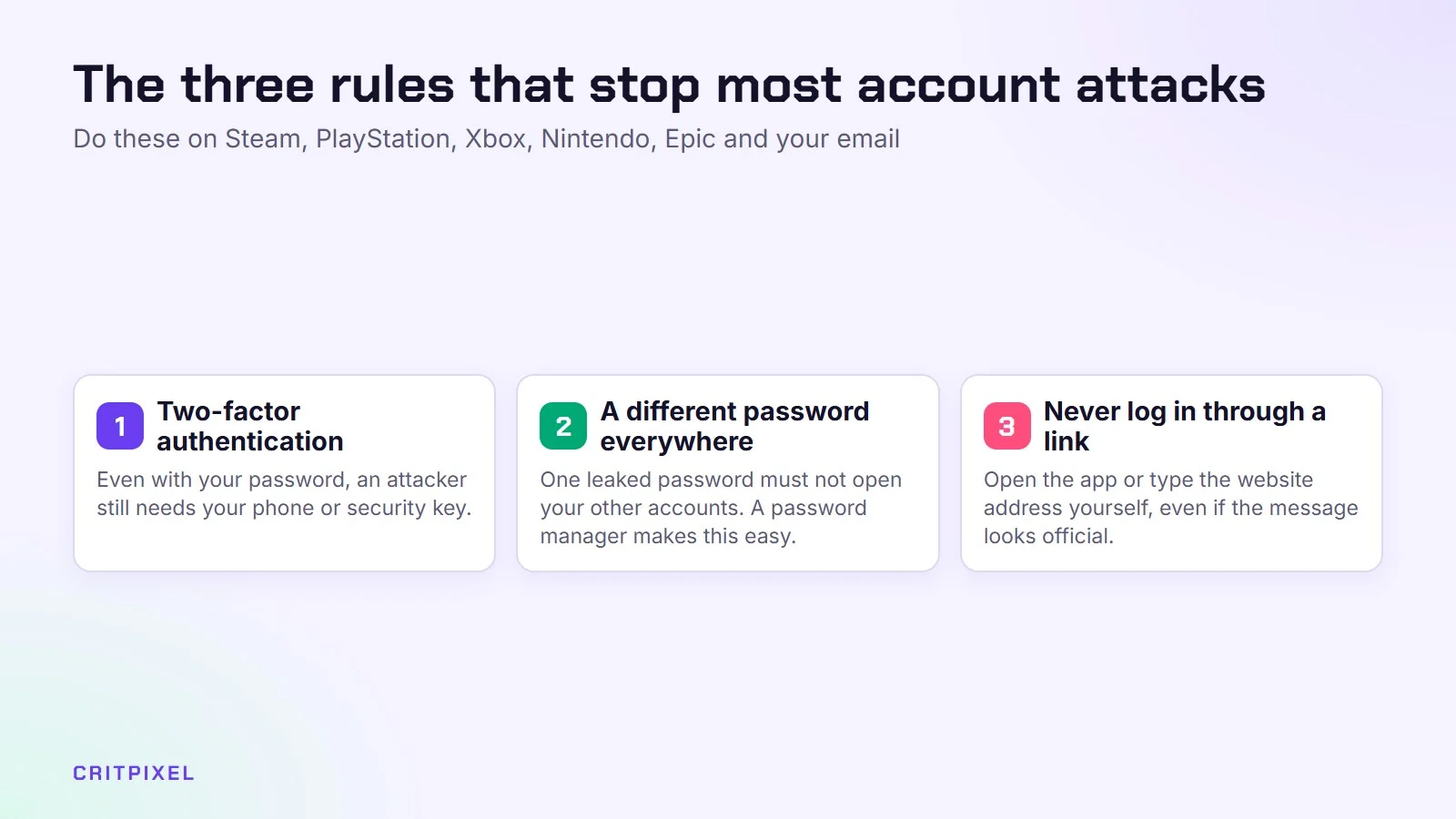
The three rules that stop most attacks
- Turn on two-factor authentication (2FA) everywhere. Even if someone steals your password, they still need your phone or security key.
- Use a different password for every account. When one website leaks its passwords, criminals try the same email and password on Steam, PSN and Xbox within hours.
- Never log in through a link someone sent you. Open the app or type the website address yourself.
These three steps alone make you safer than most players.
Use a password manager
Nobody can remember 30 unique, long passwords. A password manager creates and stores them for you, so you only remember one strong master password. Good options are built into most browsers and phones, and there are well-known standalone apps too.
A password manager also helps you spot fake websites, because it only fills in your password on the real one. If it stays empty on a “Steam login” page, be suspicious.
Also protect the email address behind your gaming accounts. Whoever controls your email can reset almost every other password, so give it 2FA and a unique password first.
Platform by platform: what to switch on
| Platform | Best protection | Passkeys? | Where to find it |
|---|---|---|---|
| Steam | Steam Guard Mobile Authenticator in the Steam app | Not offered at the time of writing | Steam app, Steam Guard section |
| PlayStation | 2-step verification with an authenticator app, or a passkey | Yes, since 2024 | Account Management, Security |
| Xbox / Microsoft | Microsoft Authenticator or a passkey | Yes | Microsoft account security settings |
| Epic Games | Authenticator app 2FA | Check Epic’s account settings | Epic account, Password and Security |
| Nintendo | 2-step verification with an authenticator app, or a passkey | Yes, since 2023 | Nintendo Account, Sign-in and security |
| Discord | Authenticator app 2FA plus saved backup codes | Check Discord’s settings | User Settings, My Account |
Steam
Install the official Steam app on your phone and turn on the Steam Guard Mobile Authenticator. It gives you login codes and lets you approve sign-ins and trades on your phone. It also matters for trading: without the mobile authenticator, Steam can hold trades for up to 15 days, which is Valve’s way of protecting your items. Write down the recovery code Steam shows you and keep it somewhere safe, not on the same phone.
PlayStation
Sony supports passkeys for PlayStation accounts, which means you sign in with your phone’s fingerprint or face unlock instead of typing a password. You can also use 2-step verification with an authenticator app, which is safer than text messages. Set both up under Account Management, then Security.
Xbox and Microsoft
Your Xbox profile is a Microsoft account, so it also protects your Outlook email, OneDrive files and possibly Windows. Use the Microsoft Authenticator app or a passkey, and check the list of recent sign-in activity on your Microsoft account page now and then.
Epic Games
Epic offers 2FA through an authenticator app, text message or email. Pick the authenticator app if you can.
Nintendo
Nintendo Accounts support 2-step verification with an authenticator app and passkeys on recent phones, tablets and Macs. Nintendo still recommends keeping your email and password up to date even after you add a passkey.
Discord
Turn on 2FA with an authenticator app and save your backup codes offline. Discord is where many gaming scams start, so a stolen Discord account is often used to trick your friends next.
Text-message codes are better than nothing, but an authenticator app or passkey is safer. Criminals can sometimes take over phone numbers through “SIM swap” fraud.
The scams gamers see most often
Fake skin trades and “check my inventory”
Someone wants to trade or buy your skins and sends a link to a “trading site” or “price checker”. The site asks you to log in with Steam. It looks real, but it is a copy that steals your login. Real Steam logins happen on Steam’s own website or app. If in doubt, close the page.
“Free Nitro” and free gift links
“Discord is giving away free Nitro!” or “Here is a free gift card!” Links like these lead to fake login pages or malware. Discord does not hand out Nitro through random messages from strangers, or from friends who suddenly behave strangely.
Fake support staff
A message says your account will be banned unless you “verify” it, or that someone reported you by mistake. The “admin” then asks for your password, a code or a screen share. Real support staff never ask for your password or 2FA codes. Platforms contact you through their official channels, not random direct messages.
QR-code logins
Steam, Discord and other apps let you log in by scanning a QR code. Scammers abuse this. They send a QR code and tell you it is for a “giveaway” or “verification”. When you scan it with your logged-in app, you actually approve their login. Only scan login QR codes that you created yourself on your own screen.
Fake tournament votes
A friend asks you to “vote for my team in a tournament”, and the vote page needs your Steam or Discord login. The friend’s account was probably hacked already, and this is how the attack spreads. Message the friend another way before you click anything.
Quick check: Before you click a link, read the full web address. Fake sites often use small spelling changes, extra words or unusual endings to look like the real platform.
What to do if you are hacked
Act fast. The first hour matters.
- Try to change your password and sign out of all sessions if you still have access.
- Secure your email account first if the attacker might be inside it.
- Use the official recovery page for the platform: Steam Support’s help site, PlayStation’s account support pages, Microsoft’s account recovery form, Epic Games’ account help, Nintendo’s support site or Discord’s support centre. Search for them yourself rather than clicking links in messages.
- Remove unknown payment methods and check for purchases you did not make.
- Warn your friends that messages from your account may be fake.
- Scan your PC for malware, especially if you downloaded a “cheat”, “mod” or “game test” file before the hack.
Never pay someone who claims they can “recover” your account for a fee. Those offers are a second scam aimed at people who just lost their account.
Protecting kids’ accounts
Children are prime targets because they trust in-game friends and want free items. A few steps help:
- Create a child account linked to a parent account. PlayStation, Xbox (through Microsoft Family Safety), Nintendo (through the Nintendo Switch Parental Controls app) and Epic all offer this.
- Set spending limits or require approval for purchases.
- Limit who can send messages and friend requests.
- Explain the rule: “Nobody gives away free V-Bucks, Robux or Nitro.”
- Keep the email address and 2FA for the child’s account in the parent’s hands.
On Steam, Steam Families lets you manage a child’s account, including store and playtime restrictions. Discord has a Family Centre that shows parents who their teen is talking to, without showing the messages themselves.
Good to know: Xbox and Nintendo offer free family apps for phones (Xbox Family Settings and Nintendo Switch Parental Controls). With them, you can check playtime and change limits even when you are not near the console.
Before big launches, be extra careful
Scammers love hype. Around big releases such as GTA 6, fake “early access” and “free beta key” offers increase sharply. Read our GTA 6 launch checklist for safe preparation. The same goes for shopping season: fake game key shops appear every November, so check our Black Friday gaming deals tips before buying. If you stream, your channel is a target too, so add 2FA when you follow our guide on how to start streaming on Twitch.
From PixelAlex: Never click links in messages promising free items or rewards. Turn on two-factor authentication on every gaming account – it’s the easiest way to stay safe.
Read next: Roblox safety guide for parents · How to recover a hacked gaming account
Quick answers
Is 2FA really necessary for gaming accounts? Yes. It is the single best protection, and it is free on every major platform.
Are passkeys safer than passwords? Generally yes. They cannot be typed into a fake website, so phishing pages cannot steal them. PlayStation, Microsoft and Nintendo support them.
Can I get my items back after a Steam hack? Contact Steam Support through its official help site. Results vary, so prevention is much easier than recovery.
Is it safe to log in to trading sites with Steam? Only if you are sure the login window is Steam’s real page. When in doubt, don’t.
Leave a Reply