The best gaming headset for you is comfortable for long sessions, has a clear microphone and connects the way your platform needs (wired, 2.4 GHz wireless or Bluetooth). Sound quality and comfort matter more than surround-sound marketing on the box.
A good headset helps you hear footsteps in shooters, enjoy soundtracks, and talk to friends clearly. But headset boxes are full of marketing words. Here’s what really matters.
From PixelAlex: I use a pair of gaming headphones for my sessions. In my view, comfort matters more than marketing features, especially during long gaming sessions.
The sections below go from the most important point (comfort) to the details. At the end, you’ll find a summary table, setup tips and fixes for common problems.
1. Comfort comes first
You might wear it for hours, so comfort is more important than any feature.
- Weight: lighter is better for long sessions
- Ear cushions: fabric/velour stays cooler; leatherette blocks more noise but gets warm
- Clamp force: too tight gives headaches, especially if you wear glasses
If you can, try one on in a shop before buying.
Also check the ear cup size. The cushions should sit around your ears, not press on them. Replaceable cushions are a bonus, because they wear out long before the speakers do.
2. Wired or wireless?
| Type | Pros | Cons |
|---|---|---|
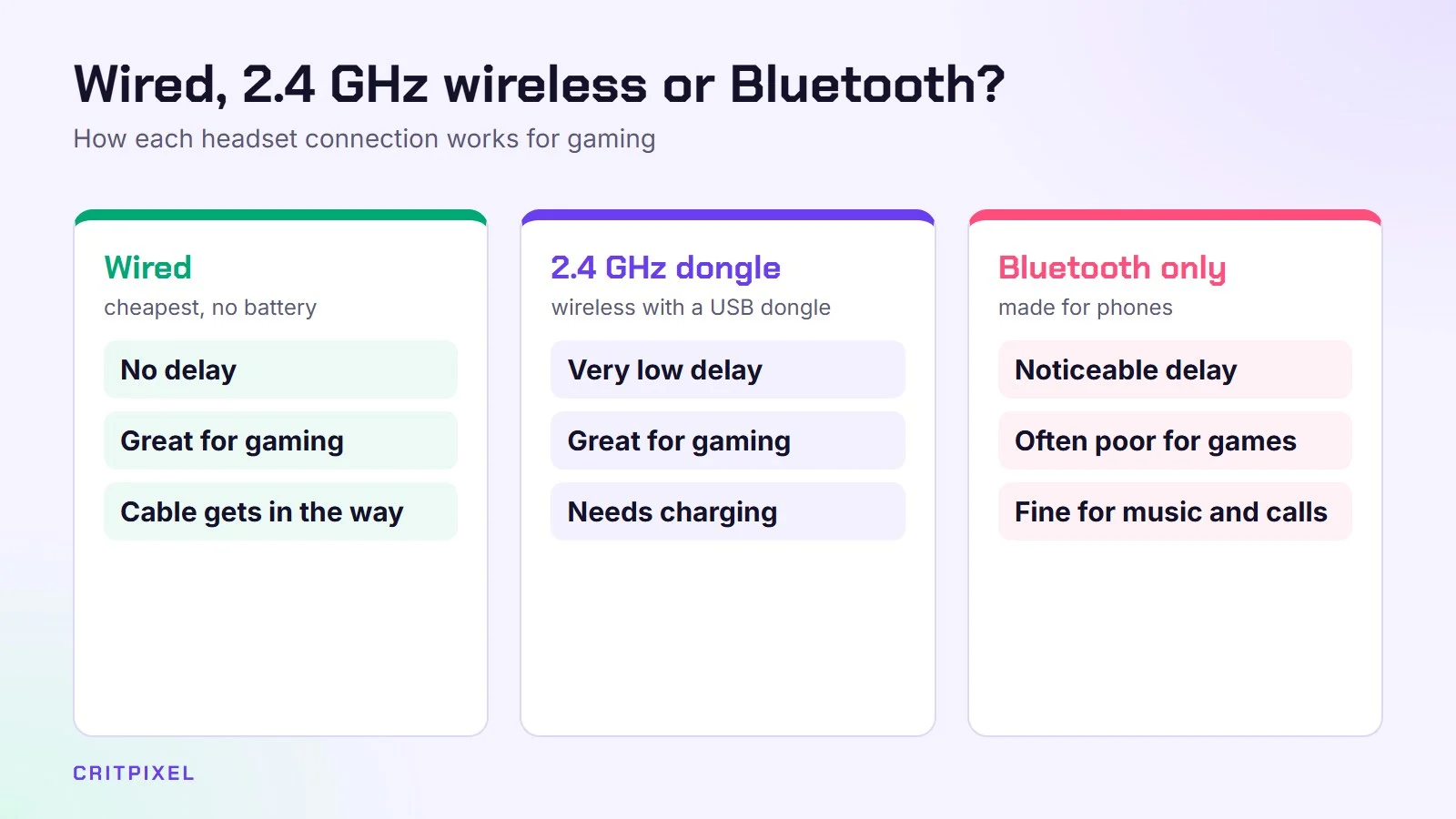
| Wired | Cheaper, no battery, no delay | Cable gets in the way |
| Wireless (2.4 GHz USB dongle) | Freedom, very low delay | Needs charging, costs more |
| Bluetooth only | Works with phones | Noticeable delay; often poor for gaming |
For gaming, choose wired or 2.4 GHz wireless with a USB dongle. Bluetooth-only headsets are usually a bad choice for games.
Some wireless headsets support both a USB dongle and Bluetooth. That’s useful: the dongle for games, Bluetooth for your phone. Some can even play both at once, so you can take a call while you play.
If you go wireless, look at the claimed battery life and how the headset charges. A model you can use while it charges saves frustration in the middle of a long session.
3. Check console compatibility
- PlayStation 5: most USB-dongle wireless headsets and any wired headset with a 3.5 mm jack work.
- Xbox: Xbox uses its own wireless system, so wireless headsets must be “Designed for Xbox”. Wired 3.5 mm headsets work through the controller.
- PC: almost everything works.
- Bluetooth: PS5 and Xbox don’t support Bluetooth headsets directly.
Sony’s own headsets, such as the PULSE Elite, use a wireless system called PlayStation Link. It works through a small USB adapter, which can also be plugged into a PC or Mac.
If you play on more than one console, check the box carefully. A headset sold for PlayStation may not work wirelessly on Xbox, and the other way round. A wired headset is the simplest way to use one headset everywhere.
4. Open-back or closed-back?
- Closed-back: blocks outside noise and doesn’t leak sound. Best for most people.
- Open-back: sounds more natural and spacious, which is great for hearing where enemies are. But everyone around you hears your game, and you hear them.
Open-back headsets suit a quiet room where you play alone. In a shared flat, an office or a living room with the TV on, closed-back is the better choice.
5. Is “7.1 surround” worth it?
A headset has two speakers, one per ear. “7.1” is virtual surround created by software. It can help in some games and sound worse in others. You can try free options before paying extra: Windows Sonic is built into Windows, and the PS5 has its own 3D audio. A good stereo headset is often all you need.
To switch on Windows Sonic on Windows 11, open Settings → System → Sound, choose your headset, and select Windows Sonic for Headphones under Spatial sound. The same list also offers Dolby Atmos for Headphones and DTS Headphone:X, but those need extra apps from the Microsoft Store.
One more thing to know: many games already have their own 3D audio. If you switch on virtual surround on top of it, footsteps can sound less clear. Test with and without.
6. Microphone quality
If you play with friends or stream, the mic matters. Look for reviews with real recordings, because the specs don’t tell you much. A detachable mic is handy if you also use the headset for music on the go.
Two features make a mic easier to live with:
- Flip-to-mute: lifting the mic up mutes it, so you always know whether you’re live
- Sidetone (mic monitoring): you hear your own voice quietly in the headset, which stops you from shouting
If you plan to stream, our guide on how to start streaming on Twitch covers microphones in more detail.
7. Sound quality
Avoid headsets with extremely boosted bass. They sound exciting for five minutes but make footsteps harder to hear. Balanced sound is better for gaming.
Many headsets come with an app that has an equaliser (EQ). A “flat” or “neutral” setting is a good start. Some players lower the bass a little and raise the upper mid-range to hear footsteps more clearly.
Budget guide
| Budget | What to expect |
|---|---|
| Under €50 / $50 | Wired stereo; can be surprisingly good |
| €50–120 / $50–120 | Better comfort and mics; entry wireless models |
| €120+ / $120+ | Premium wireless, better battery and build quality |
Which type suits you?
| You mainly… | Good choice |
|---|---|
| Play competitive shooters on PC | Wired or 2.4 GHz wireless, closed-back, balanced sound |
| Play alone in a quiet room | Open-back wired headset |
| Play on PS5 and PC | Wireless with a USB dongle, or a wired headset |
| Play on Xbox | A “Designed for Xbox” wireless model, or wired via the controller |
| Also want it for your phone | Dongle plus Bluetooth model |
Tip: If you wear glasses, look for soft memory-foam cushions and a gentle clamp. When you read reviews, search for comments from glasses wearers, because pressure on the arms of your glasses can cause headaches after an hour or two.
Common problems and fixes
- Friends can’t hear you on PC: open Settings → System → Sound and check that the headset mic is the selected input device. Also check Settings → Privacy & security → Microphone to make sure apps are allowed to use it.
- Sound comes from the speakers, not the headset: select the headset as the output device in Windows or in the console’s sound settings.
- Crackling on wireless: move the dongle away from other USB devices, or use a short USB extension cable to bring it closer to you.
- Headset feels too tight: many headbands loosen slightly over time. Stretching it gently over a box or a stack of books for a while can help.
Quick tips
- Read reviews that mention comfort after several hours
- Check the return policy in case it doesn’t fit your head
- If you already own good music headphones, a separate desk microphone can be cheaper than a new headset
Keep reading: budget gaming setup guide, how to stream to Discord and how to choose a gaming chair.
Read next: How to fix audio crackling in games · How to fix a mic not working in games and Discord · How to set up surround sound for gaming
Quick answers
Is a wireless headset good for gaming? Yes, if it uses a 2.4 GHz USB dongle. Bluetooth-only headsets usually have too much delay.
Does 7.1 surround help you hear footsteps? Sometimes. It depends on the game. A good stereo headset with balanced sound is often just as effective.
Can I use AirPods or Bluetooth headphones on PS5 or Xbox? Not directly, because neither console supports Bluetooth headsets.
Are open-back headsets better for gaming? They can sound more spacious, but they leak sound and let noise in. For most homes, closed-back is more practical.
Which headsets work on Xbox? Wireless models must be “Designed for Xbox”. Any wired 3.5 mm headset works through the controller.
Should I buy a headset or headphones and a separate mic? If you already own good headphones, a separate mic is often the better-value option.


Leave a Reply